



Two hours before his first meeting at a new company, a friend called me worried.
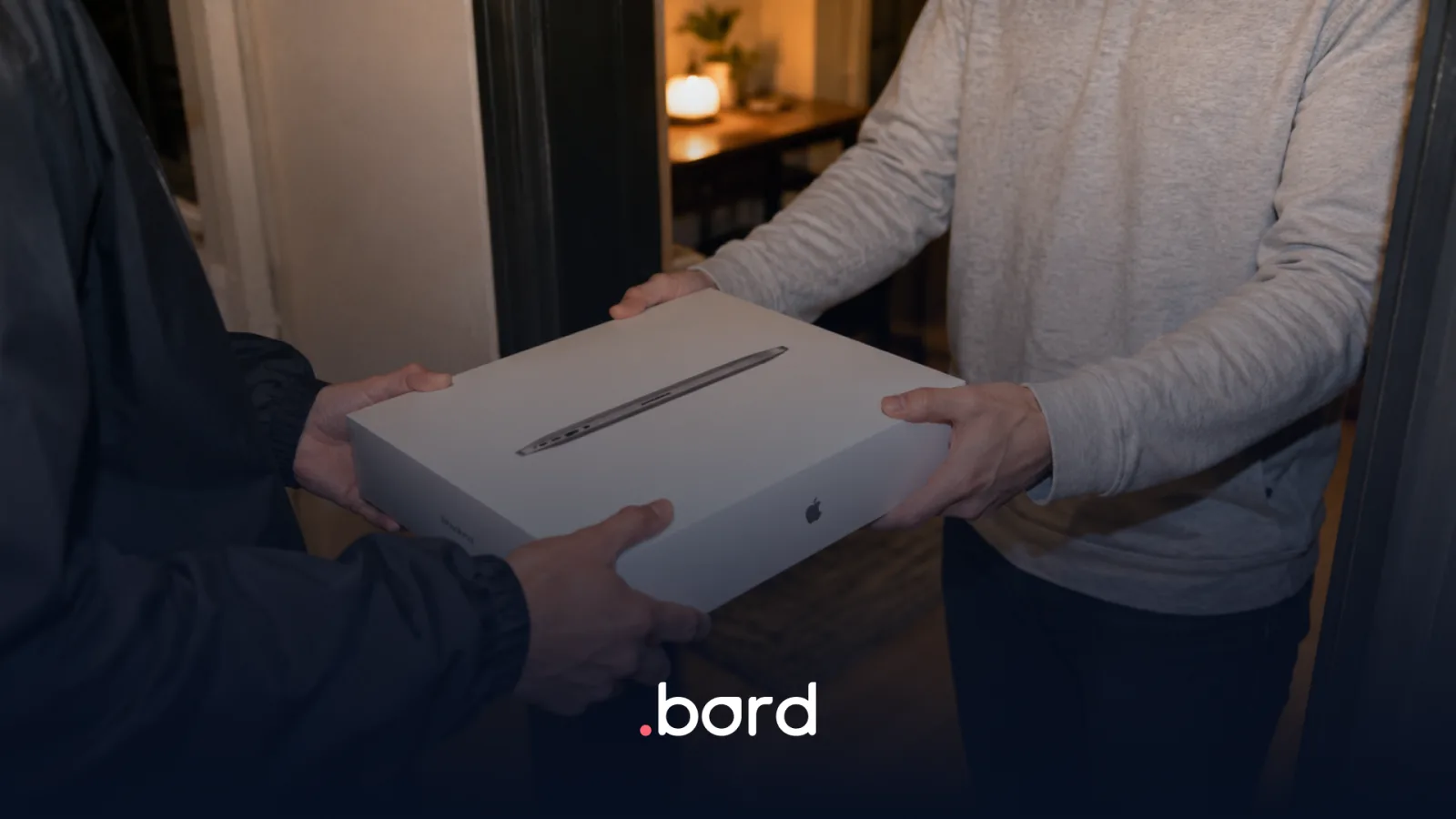
The laptop had arrived the day before. He opened it, started the setup, entered his email and chose a password.
The next day he couldn't remember which one he had used.
—You handed me the laptop yourself. Is there anything I can do? I don't want to start off on the wrong foot.
The company was a Bord client. We were just beginning to work with them to prepare devices properly before shipping them: configurations, enrollment and policies applied on the device itself. Until then they preferred to sort everything out together with the new hire once the laptop arrived.
Logistics had worked. The device had arrived on time. But the employee couldn't log in.
That day I understood something that sounds obvious, yet many companies still measure badly: handing someone a laptop is not the same as leaving that person ready to work.
What it means for an employee to be ready on day one
Tech onboarding leaves the new employee with the device, the configuration and the access they need to start working. It covers device assignment, device preparation, security policies, digital identity, the tools the role requires and a clear support channel.
It does not replace HR or cultural onboarding: that is a different layer, the one covering the remote onboarding experience. It is the operational foundation that keeps those processes from starting with someone staring at a locked screen while they wait for help.
The most common mistake is measuring each part in isolation:
- Procurement confirms the device was purchased.
- Logistics confirms it was delivered.
- IT confirms the user account was created.
- Security confirms a policy exists.
Every team can have finished its task and the employee can still not be ready.
The right question is not "was the laptop delivered?". It is: can this person turn it on, log in and use what the role requires without depending on a chain of urgent messages?
Why it gets harder with distributed teams
When everyone works from one office, IT can prepare a device, leave it on a desk and walk over if something fails.
In a distributed company, a single hire can involve local purchasing, inventory management, configuration, credentials, logistics and support in another city or country. On top of that, those tasks are usually spread across People, IT, Procurement, Operations and several vendors.
The problem is not only distance. It is the absence of a single point where everything comes together.
If nobody confirms who receives the device, what configuration it needs, when it has to be delivered and what happens if something fails, the risk shows up on day one. Sometimes it is a shipping delay. Other times, as happened to my friend, the laptop is physically there and still unusable for work.
The four stages of tech onboarding
1. Preboarding: define before you request
The process starts when the hire is confirmed, not when the employee opens the box.
Before requesting the device you need to define:
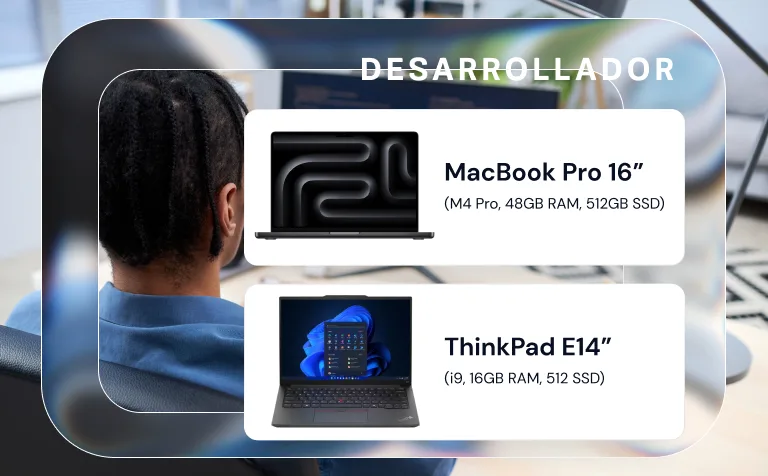
- which device the role calls for;
- whether it is bought new or assigned from inventory;
- country, city and delivery address;
- start date and delivery deadline;
- required configurations and software;
- who owns each stage.
The operational clock starts when the order carries the information needed to move forward. An incomplete request can sit in a system for days without anyone being able to act on it.
2. Identity and access: decide who configures what
Creating a corporate email is not enough.
IT has to define which account is used to set up the device, who creates the initial password, what recovery method exists and what permissions the person needs for their role.
It is also worth resolving before the start date:
- groups and permissions;
- essential applications;
- VPN or remote access;
- multi-factor authentication;
- a secure way to hand over credentials;
- a procedure for lockouts or forgotten passwords.
What happened to my friend was not caused by a missing laptop. It happened because responsibility for configuring access had been left with someone who did not yet know the process and had no clear channel to recover it.
3. Device preparation and enrollment
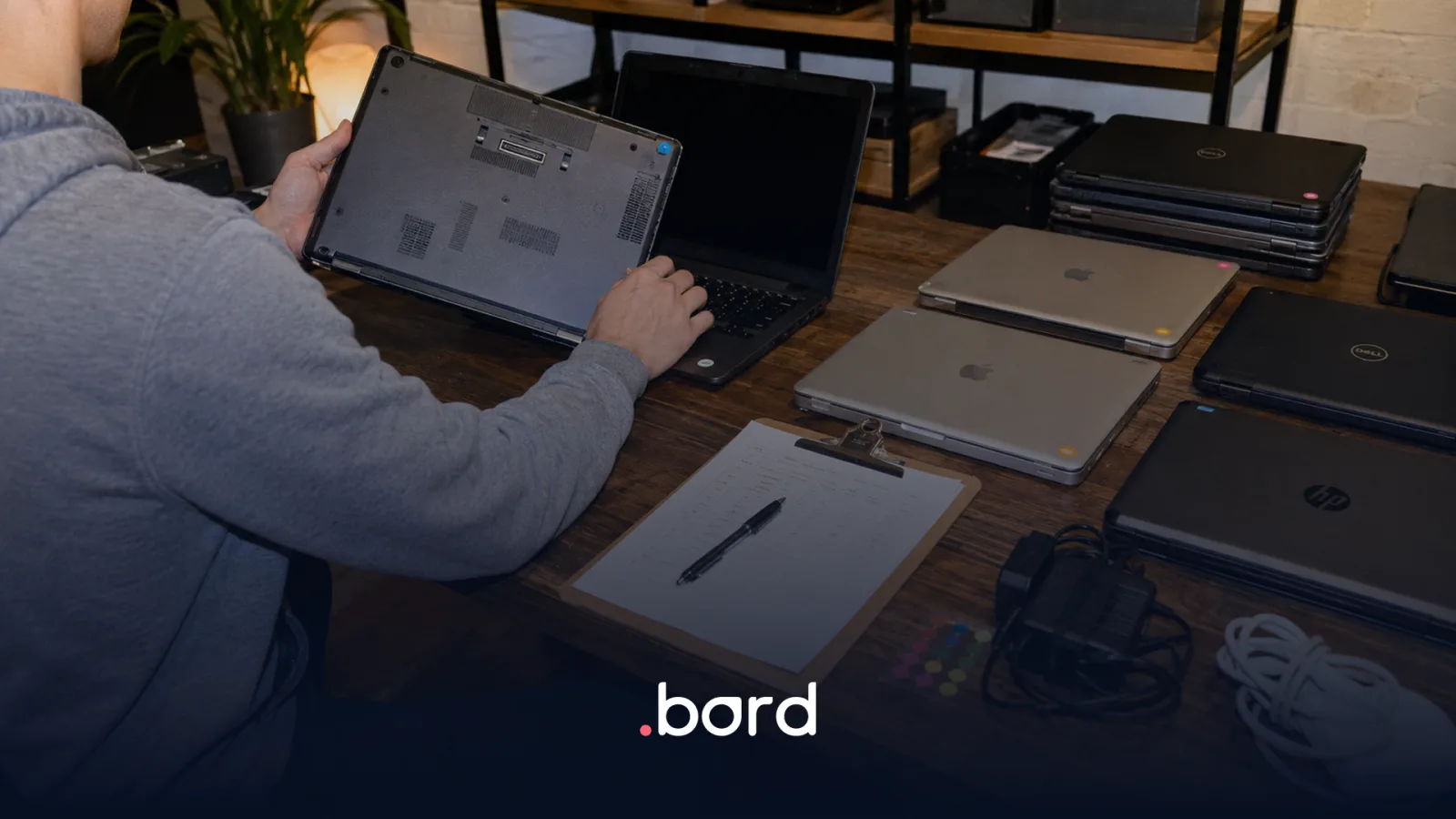
Depending on each company's policy, preparation can include initial setup, the corporate image, software installation and enrollment in a Mobile Device Management or MDM platform.
An MDM makes it possible to apply policies, distribute applications and run certain remote actions. Its scope depends on the operating system, on the MDM you choose, on the enrollment method and on the permissions configured.
On Apple devices, Apple Business Manager can enable automated device enrollment when the device, the reseller and the MDM are correctly linked. On Windows there are alternatives such as Autopilot and uploading the hardware hash.
But enrollment is not magic. Running it requires access, documentation and decisions from the IT team. If that information arrives late or incomplete, preparation is delayed too.
4. Delivery and testing before the start date
A tracking number does not confirm that onboarding is ready.
The device should be delivered with enough margin for the new hire to:
- confirm they received the right device;
- turn it on and complete the defined steps;
- test their login;
- validate essential access;
- know who to contact if something fails.
If the laptop is still in transit the day before, the process is at risk. If it was delivered but nobody checked that the person can log in, the process is not finished yet.
Checklist to reach day one with the device ready
Before starting the purchase or assignment
- Start date confirmed
- Delivery deadline defined
- Device profile assigned according to the role
- Purchase approved or device reserved from inventory
- Employee address and contact validated
- Owners in IT, People and logistics identified
Identity and configuration
- Corporate account created
- Login method defined
- Password recovery prepared
- Groups and permissions assigned
- Essential applications enabled
- VPN and multi-factor authentication configured, where applicable
Device and security
- Device registered and assigned in inventory
- Initial setup completed
- MDM enrollment verified, where applicable
- Security policies applied
- Base and role software installed
- Configuration evidence recorded
Delivery and validation
- Device delivered and receipt confirmed
- Login tested
- Critical access validated
- Support channel communicated
- Contingency plan defined for delays, failures or lockouts
Five questions to audit your process
1. Do you know where the device is?
Knowing it was purchased is not enough. It has to be registered, assigned and linked to a person.
2. Is the information validated?
An incomplete address, a wrong phone number or a missing credential can stop the entire operation.
3. Does delivery leave room to test?
If the goal is for it to arrive on the same day the person starts, there is no room to fix a failure.
4. Does every step have an owner?
Purchasing, configuration, enrollment, access and delivery cannot sit in a grey area between teams or vendors.
5. What happens if something fails?
Even a well-built process can run into a damaged laptop, a forgotten password or an application that will not respond. The difference is whether the contingency plan exists before you need it.
How Bord can help
With Bord, companies can coordinate the purchase or assignment of devices, request configurations and enrollments where applicable, manage delivery and keep the device linked to the employee from the platform.
Execution can vary by country, device, manufacturer, MDM and each company's IT policies. That is why the process needs to start with complete information and a clear definition of what the client does, what Bord executes and what depends on each technology.
Bord can run device onboarding across LATAM, but that does not mean every country has the same lead times, delivery options or technical capabilities.
Frequently asked questions
What is the tech onboarding of an employee?
It is the process that leaves the new employee with a device assigned, prepared and delivered, plus the access and tools they need to work. It involves tasks from People, IT, Security and Operations that have to be coordinated before day one.
Does delivering the laptop mean onboarding is finished?
No. Physical delivery is one stage. Tech onboarding ends when the person can log in, reach the essential tools and knows how to ask for help if something fails.
Is using an MDM mandatory?
It depends on the security policy, the devices and the company's needs. An MDM makes it possible to manage configurations and remote actions, but its scope varies with the platform, the operating system and the enrollment method.
What is the difference between MDM and Apple Business Manager?
Apple Business Manager lets a company link and assign Apple devices within its organization. The MDM is the software that applies configurations, policies and applications. In an automated flow, both have to be correctly connected.
When should the device be delivered?
With enough margin to confirm receipt and test the login before the start date. The right date depends on the country, the location, availability and the configurations requested.
The goal is not to deliver a box
My friend recovered his access and made it to his first meeting. But for two hours he believed he was going to start his new job explaining why he could not get into his own laptop.
The laptop had been delivered. Onboarding had not been completed.
When a company separates purchasing, configuration, access and logistics, every team can do its part and the employee can still end up locked out. Day one is not prepared by measuring isolated tasks. It is prepared by verifying the complete outcome.
Does your process end when the courier marks "delivered", or when the person can start working?
Are you coordinating tech onboarding across different countries in LATAM? With Bord you can buy or assign devices, request configurations and enrollments where applicable, and manage delivery from a single platform. See how it works for the countries, devices and IT policies of your company.
Sources
- Gallup, Essential Ingredients for an Effective Onboarding Program.
- Apple Platform Deployment, Automated Device Enrollment and device management.
- Microsoft Learn, Windows Autopilot documentation.