


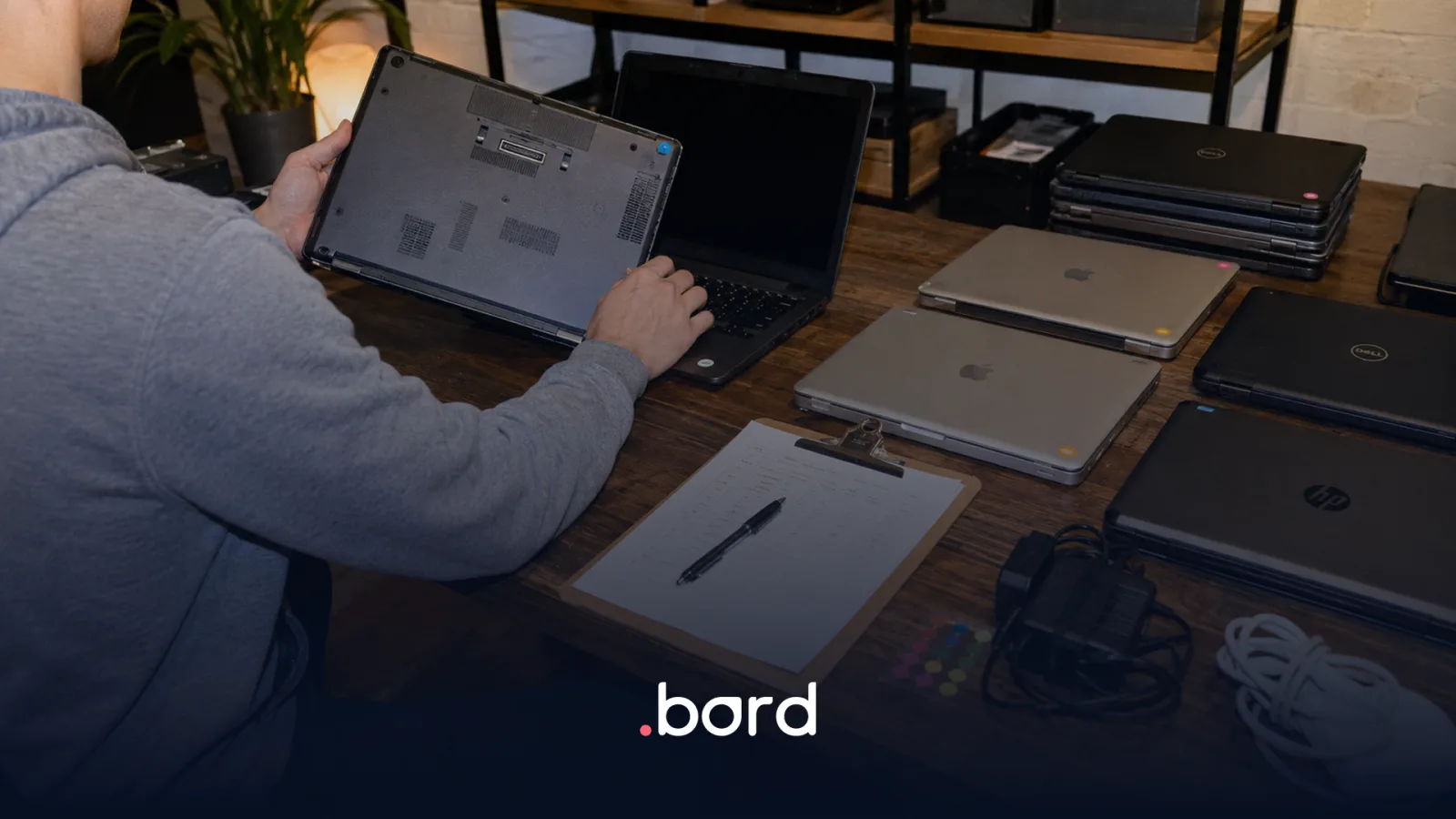
IT asset tracking starts long before you choose a tool: it starts when you decide what information you're going to capture and when. If you currently manage your corporate device inventory in a spreadsheet—or several, organized by country, department, or employee—you know exactly what we're talking about: columns nobody updates, serial numbers that don't match the physical devices, and the inevitable question every time someone leaves the company: where is that device?
The problem isn't the spreadsheet itself. The problem is that a static inventory can't reflect a dynamic operation. Devices move, get reassigned, go in for repairs, and get lost. Without a system that captures those events in real time, your inventory becomes outdated the moment you save it. According to the ISO/IEC JTC1/SC7 committee, which publishes the discipline's standards, IT asset management encompasses the systems, processes, and technology needed to detect, track, manage, and optimize assets across every stage of their lifecycle. That means dozens of events per device—a spreadsheet can't keep up with that sustainably.
This guide is for the IT manager or operations manager who has already identified the problem and wants a concrete path forward: which data to record per asset, how to normalize that information, which lifecycle milestones to capture, and how to move from a static inventory to a dynamic one. At the end, you'll find an actionable checklist to assess what your inventory is missing today.
Why a spreadsheet inventory falls short compared to Bord
A spreadsheet can work when you have 20 devices in a single country. With 100 devices across 3 countries, the problems multiply: duplicate data, out-of-sync versions, and no automatic alerts when an asset hasn't moved in 90 days or when its warranty is about to expire. As the NIST IT Asset Management guide points out, a record that only tells you where a device is isn't enough: it doesn't tell you what operating system it runs or which devices were exposed to a vulnerability. You need to link the physical asset to its actual state.
The Bord Platform inventory, by contrast, reflects the current status of every device: who it's assigned to, where it is physically, what incidents it has had, how much it has cost over time, and when it should be renewed. That difference—between a static snapshot and a live feed—is what turns inventory into a decision-making tool, not just a record-keeping exercise.
Three symptoms of an outdated inventory
- Ghost assets: devices that appear in the registry but nobody knows where they are.
- Unowned assets: devices logged without an assigned responsible party, which become security blind spots.
- Inconsistent data: the same model registered under three different names ("MacBook Pro 14," "MBP 14 M2," "Apple laptop") that makes reliable reporting impossible.
---
Step 1: Define mandatory fields per asset
Before migrating data to Bord or choosing any tool, define what information is the minimum non-negotiable requirement for each device. To do a bulk upload on the Bord Dash platform, you can download this template. A well-structured asset record includes at minimum the following fields:
- Brand and model
- Processor, screen, RAM (GB), and SSD storage
- Serial number
- Acquisition date
- Device status
- Location and country
- Email of the employee it is assigned to
Model name normalization is the most underestimated step. If you allow each team to record the model name however they want, your reports will be useless. Define a standard naming convention before migrating and enforce it with validation rules in the system.
---
Step 2: Normalize existing data before migrating
The inventory you already have—even if it's spread across three different spreadsheets—is your starting point. Before loading it into any system, run a data cleanup using this process:
- Deduplicate by serial number: if the same serial number appears twice, it's either a duplicate or a typo. Resolve it before migrating.
- Standardize statuses: define a closed vocabulary ("In use," "In storage," "Under repair," "Decommissioned") and map it to the current values in your spreadsheets.
- Fill in critical missing fields: serial number, model, and assigned user are non-negotiable. If any assets are missing this data, investigate before migrating—don't carry the chaos over.
- Assign ownership: every asset must have a responsible party. Unowned assets are the root cause of lost devices and unrecorded financial impact.
Precise classification at this stage is what makes the record useful for reporting and decision-making down the line. The international reference standard for structuring this process is ISO/IEC 19770-1, the IT asset management systems standard. Investing one week in data cleanup saves months of operational confusion.
---
Step 3: IT asset tracking — capturing lifecycle milestones
Recording an asset once is not tracking. IT asset tracking means capturing every relevant event throughout a device's life:
- Registration: date, purchase channel, initial configuration, receiving responsible party.
- Assignment: who it was assigned to, when, and in what context (onboarding, replacement, reassignment).
- Reassignment: full history of every user who had the device.
- Incidents and repairs: what failed, how much it cost to fix, time out of service.
- Relocation: when the device crosses borders or changes offices.
- Controlled decommission: retirement from service, disposal method, data destruction certificate when applicable.
This complete history is what enables loss control and the calculation of real financial impact: not just the value of the lost device, but the replacement cost, the IT hours invested, and the exposed data risks. It is also the foundation for renewal budgeting (forecasting): if you know how many devices turn 3 years old in the next 6 months, you can plan the refresh without surprises.
---
Step 4: From static inventory control to real-time visibility
Once your inventory is clean and the milestones are defined, the next step is connecting it to a system like Bord's that keeps that state updated automatically. The minimum capabilities that system must have:
- Automatic or assisted event logging: every assignment, repair, or decommission gets recorded without depending on someone manually updating a spreadsheet.
- Operational dashboards: immediate visibility into device status—how many in use, how many in storage, how many under repair—without needing to export data.
- Alerts for inconsistencies: assets with no movement for more than X days, warranties about to expire, assets assigned to employees who are no longer at the company.
- Multi-country support: if you operate in more than one country, the system must handle locations, currencies, and local contexts without separate instances per market.
- Depreciation and accounting control: cost tracking by asset/user/department/office and depreciation must be calculated automatically, not in an Excel column someone updates once a year.
Automation is not a luxury: manually updating inventories inevitably fails. It's not a discipline problem—it's a process design problem.
---
Checklist: what your inventory should be able to answer
Review your current record against this list. Every point you can't answer today is a blind spot in your operation:
About the record
- [ ] Tracks the full lifecycle (registration → decommission), not just the initial inventory
- [ ] Supports multiple countries and currencies in one place, without a separate spreadsheet per market
- [ ] Sends proactive alerts: warranties about to expire, unowned assets, devices with no movement
- [ ] Stores the movement history of each asset (chain of custody)
- [ ] Updates automatically with employee onboarding and offboarding, without double entry
About the operation
- [ ] Absorbs the inventory you already have today, without starting from scratch
- [ ] Updates without friction when something happens, not once per quarter
- [ ] Distinguishes who can view and who can decommission an asset
For leadership
- [ ] Shows depreciation and cost by department or office without manual rebuilding
- [ ] Shows how many devices are expiring in the coming months
- [ ] Reflects the reality of every country where you operate
If your inventory doesn't resolve the first block, the other two are irrelevant. Start there.
---
IT asset tracking: the end state you want to reach
The ultimate goal isn't to have a tidy inventory. It's to have real operational visibility: knowing at any moment which assets exist, who has them, what condition they're in, and how much they're costing the company. That visibility is what enables decisions—renewing before a device fails, recovering a device before it goes missing, auditing without improvising.
IT asset management means having complete financial, inventory, and documentation control over all digital assets, so that maintenance costs are optimized and decisions can be made without conflict. That level of control isn't achieved with a better-designed spreadsheet. It's achieved with a well-structured process—like the one described in this guide—and a platform that sustains it over time.
And once that visibility exists, the natural next step is ensuring that the operation producing it—the shipments, reassignments, and decommissions—runs just as smoothly in every country where you operate.
Frequently asked questions
What minimum data should I record for each corporate device?
The minimum fields are: serial number, model, category (laptop/mobile/monitor), current status, assigned user, location (country, city, office), purchase date, warranty expiration date, and acquisition cost. With these nine fields you can calculate depreciation, plan renewals, and audit your inventory without relying on incomplete information.
What is IT asset tracking and why does it matter?
IT asset tracking is the continuous recording of all relevant events in a corporate device's life: registration, assignment, reassignment, repairs, relocation, and decommission. It matters because it transforms inventory from a static snapshot into an auditable history, enabling loss control, calculation of real per-asset costs, and compliance with internal or external audits without improvising.
When should I move from a spreadsheet to an asset management system?
You can start from day one, even with a single device. Bord is free—you can manage your inventory on the platform, in one place you know will never get lost, and keep it organized properly.
What is the difference between IT inventory control and asset tracking?
IT inventory control is the record of your assets' current state (what exists, who has it, where it is). Asset tracking adds the time dimension: the complete history of events—who had each device, what happened to it, how much it cost to operate. Inventory control answers "what do I have today?"; asset tracking answers "what happened to this asset from the moment it entered the company?"
Quick summary
Centralizing your corporate device inventory requires four steps: (1) define mandatory fields per asset (serial number, model, user, status, location), (2) normalize existing data, (3) record lifecycle milestones in real time, and (4) connect your inventory to a system that generates alerts and operational dashboards.
Do you already know which data you need to capture? Schedule a demo with the Bord team and we'll show you how the asset management module handles the complete lifecycle of your corporate devices from a single platform.

¿Nuevo en el tema?
Si recién estás montando un proceso de gestión de activos IT, empezar por el DSN es lo que más fricción te ahorra a futuro. Más que una buena práctica, es la fuente de verdad a la que van a apuntar todos los demás procesos.

IT asset tracking starts long before you choose a tool: it starts when you decide what information you're going to capture and when. If you currently manage your corporate device inventory in a spreadsheet—or several, organized by country, department, or employee—you know exactly what we're talking about: columns nobody updates, serial numbers that don't match the physical devices, and the inevitable question every time someone leaves the company: where is that device?
The problem isn't the spreadsheet itself. The problem is that a static inventory can't reflect a dynamic operation. Devices move, get reassigned, go in for repairs, and get lost. Without a system that captures those events in real time, your inventory becomes outdated the moment you save it. According to the ISO/IEC JTC1/SC7 committee, which publishes the discipline's standards, IT asset management encompasses the systems, processes, and technology needed to detect, track, manage, and optimize assets across every stage of their lifecycle. That means dozens of events per device—a spreadsheet can't keep up with that sustainably.
This guide is for the IT manager or operations manager who has already identified the problem and wants a concrete path forward: which data to record per asset, how to normalize that information, which lifecycle milestones to capture, and how to move from a static inventory to a dynamic one. At the end, you'll find an actionable checklist to assess what your inventory is missing today.
Why a spreadsheet inventory falls short compared to Bord
A spreadsheet can work when you have 20 devices in a single country. With 100 devices across 3 countries, the problems multiply: duplicate data, out-of-sync versions, and no automatic alerts when an asset hasn't moved in 90 days or when its warranty is about to expire. As the NIST IT Asset Management guide points out, a record that only tells you where a device is isn't enough: it doesn't tell you what operating system it runs or which devices were exposed to a vulnerability. You need to link the physical asset to its actual state.
The Bord Platform inventory, by contrast, reflects the current status of every device: who it's assigned to, where it is physically, what incidents it has had, how much it has cost over time, and when it should be renewed. That difference—between a static snapshot and a live feed—is what turns inventory into a decision-making tool, not just a record-keeping exercise.
Three symptoms of an outdated inventory
- Ghost assets: devices that appear in the registry but nobody knows where they are.
- Unowned assets: devices logged without an assigned responsible party, which become security blind spots.
- Inconsistent data: the same model registered under three different names ("MacBook Pro 14," "MBP 14 M2," "Apple laptop") that makes reliable reporting impossible.
---
Step 1: Define mandatory fields per asset
Before migrating data to Bord or choosing any tool, define what information is the minimum non-negotiable requirement for each device. To do a bulk upload on the Bord Dash platform, you can download this template. A well-structured asset record includes at minimum the following fields:
- Brand and model
- Processor, screen, RAM (GB), and SSD storage
- Serial number
- Acquisition date
- Device status
- Location and country
- Email of the employee it is assigned to
Model name normalization is the most underestimated step. If you allow each team to record the model name however they want, your reports will be useless. Define a standard naming convention before migrating and enforce it with validation rules in the system.
---
Step 2: Normalize existing data before migrating
The inventory you already have—even if it's spread across three different spreadsheets—is your starting point. Before loading it into any system, run a data cleanup using this process:
- Deduplicate by serial number: if the same serial number appears twice, it's either a duplicate or a typo. Resolve it before migrating.
- Standardize statuses: define a closed vocabulary ("In use," "In storage," "Under repair," "Decommissioned") and map it to the current values in your spreadsheets.
- Fill in critical missing fields: serial number, model, and assigned user are non-negotiable. If any assets are missing this data, investigate before migrating—don't carry the chaos over.
- Assign ownership: every asset must have a responsible party. Unowned assets are the root cause of lost devices and unrecorded financial impact.
Precise classification at this stage is what makes the record useful for reporting and decision-making down the line. The international reference standard for structuring this process is ISO/IEC 19770-1, the IT asset management systems standard. Investing one week in data cleanup saves months of operational confusion.
---
Step 3: IT asset tracking — capturing lifecycle milestones
Recording an asset once is not tracking. IT asset tracking means capturing every relevant event throughout a device's life:
- Registration: date, purchase channel, initial configuration, receiving responsible party.
- Assignment: who it was assigned to, when, and in what context (onboarding, replacement, reassignment).
- Reassignment: full history of every user who had the device.
- Incidents and repairs: what failed, how much it cost to fix, time out of service.
- Relocation: when the device crosses borders or changes offices.
- Controlled decommission: retirement from service, disposal method, data destruction certificate when applicable.
This complete history is what enables loss control and the calculation of real financial impact: not just the value of the lost device, but the replacement cost, the IT hours invested, and the exposed data risks. It is also the foundation for renewal budgeting (forecasting): if you know how many devices turn 3 years old in the next 6 months, you can plan the refresh without surprises.
---
Step 4: From static inventory control to real-time visibility
Once your inventory is clean and the milestones are defined, the next step is connecting it to a system like Bord's that keeps that state updated automatically. The minimum capabilities that system must have:
- Automatic or assisted event logging: every assignment, repair, or decommission gets recorded without depending on someone manually updating a spreadsheet.
- Operational dashboards: immediate visibility into device status—how many in use, how many in storage, how many under repair—without needing to export data.
- Alerts for inconsistencies: assets with no movement for more than X days, warranties about to expire, assets assigned to employees who are no longer at the company.
- Multi-country support: if you operate in more than one country, the system must handle locations, currencies, and local contexts without separate instances per market.
- Depreciation and accounting control: cost tracking by asset/user/department/office and depreciation must be calculated automatically, not in an Excel column someone updates once a year.
Automation is not a luxury: manually updating inventories inevitably fails. It's not a discipline problem—it's a process design problem.
---
Checklist: what your inventory should be able to answer
Review your current record against this list. Every point you can't answer today is a blind spot in your operation:
About the record
- [ ] Tracks the full lifecycle (registration → decommission), not just the initial inventory
- [ ] Supports multiple countries and currencies in one place, without a separate spreadsheet per market
- [ ] Sends proactive alerts: warranties about to expire, unowned assets, devices with no movement
- [ ] Stores the movement history of each asset (chain of custody)
- [ ] Updates automatically with employee onboarding and offboarding, without double entry
About the operation
- [ ] Absorbs the inventory you already have today, without starting from scratch
- [ ] Updates without friction when something happens, not once per quarter
- [ ] Distinguishes who can view and who can decommission an asset
For leadership
- [ ] Shows depreciation and cost by department or office without manual rebuilding
- [ ] Shows how many devices are expiring in the coming months
- [ ] Reflects the reality of every country where you operate
If your inventory doesn't resolve the first block, the other two are irrelevant. Start there.
---
IT asset tracking: the end state you want to reach
The ultimate goal isn't to have a tidy inventory. It's to have real operational visibility: knowing at any moment which assets exist, who has them, what condition they're in, and how much they're costing the company. That visibility is what enables decisions—renewing before a device fails, recovering a device before it goes missing, auditing without improvising.
IT asset management means having complete financial, inventory, and documentation control over all digital assets, so that maintenance costs are optimized and decisions can be made without conflict. That level of control isn't achieved with a better-designed spreadsheet. It's achieved with a well-structured process—like the one described in this guide—and a platform that sustains it over time.
And once that visibility exists, the natural next step is ensuring that the operation producing it—the shipments, reassignments, and decommissions—runs just as smoothly in every country where you operate.
Frequently asked questions
What minimum data should I record for each corporate device?
The minimum fields are: serial number, model, category (laptop/mobile/monitor), current status, assigned user, location (country, city, office), purchase date, warranty expiration date, and acquisition cost. With these nine fields you can calculate depreciation, plan renewals, and audit your inventory without relying on incomplete information.
What is IT asset tracking and why does it matter?
IT asset tracking is the continuous recording of all relevant events in a corporate device's life: registration, assignment, reassignment, repairs, relocation, and decommission. It matters because it transforms inventory from a static snapshot into an auditable history, enabling loss control, calculation of real per-asset costs, and compliance with internal or external audits without improvising.
When should I move from a spreadsheet to an asset management system?
You can start from day one, even with a single device. Bord is free—you can manage your inventory on the platform, in one place you know will never get lost, and keep it organized properly.
What is the difference between IT inventory control and asset tracking?
IT inventory control is the record of your assets' current state (what exists, who has it, where it is). Asset tracking adds the time dimension: the complete history of events—who had each device, what happened to it, how much it cost to operate. Inventory control answers "what do I have today?"; asset tracking answers "what happened to this asset from the moment it entered the company?"
Quick summary
Centralizing your corporate device inventory requires four steps: (1) define mandatory fields per asset (serial number, model, user, status, location), (2) normalize existing data, (3) record lifecycle milestones in real time, and (4) connect your inventory to a system that generates alerts and operational dashboards.
Do you already know which data you need to capture? Schedule a demo with the Bord team and we'll show you how the asset management module handles the complete lifecycle of your corporate devices from a single platform.


.webp)