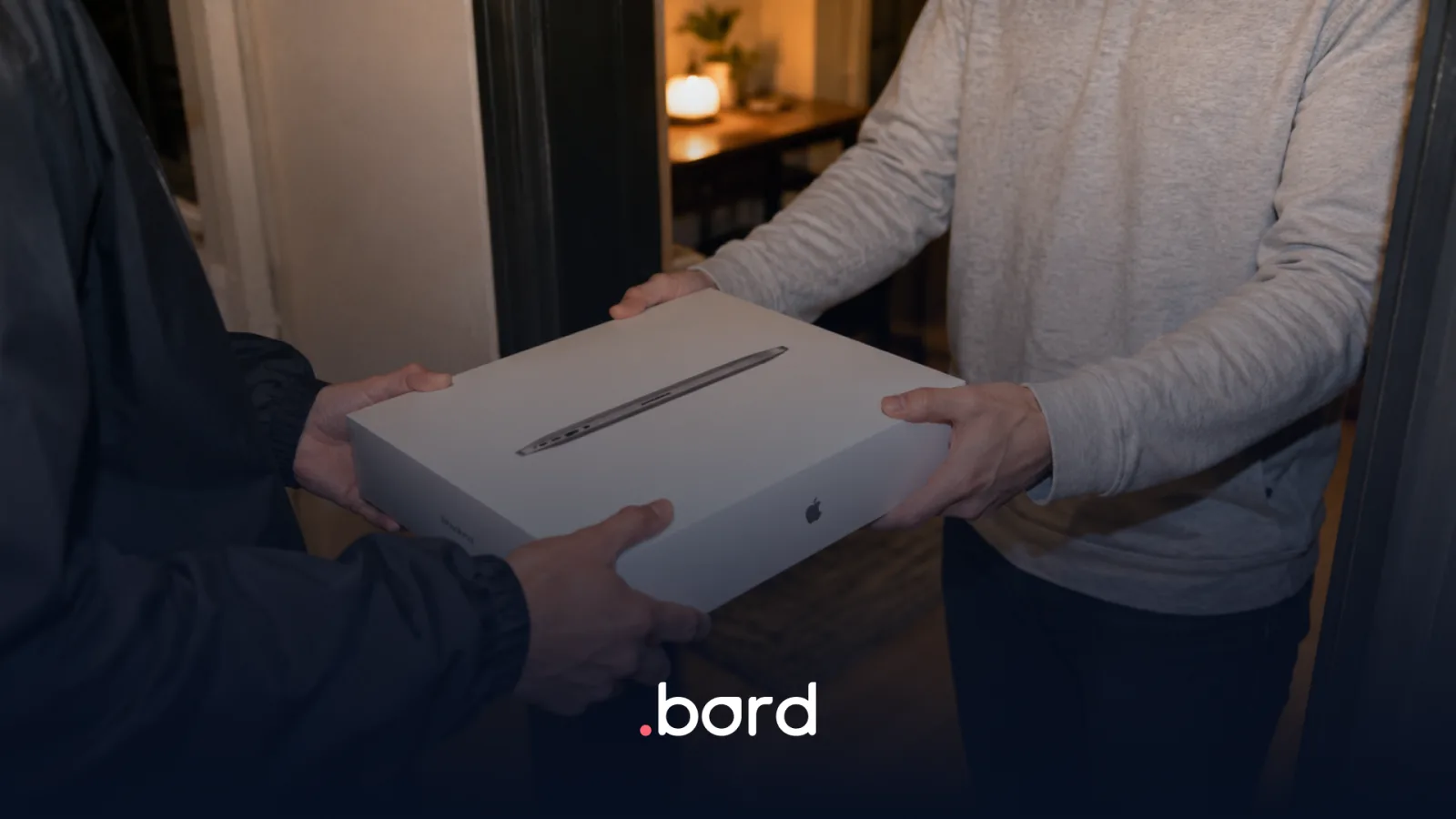



Recovering a laptop shouldn't depend on scattered messages, separate spreadsheets, or improvised coordination.
Well-executed reverse logistics Lets you pick up the device, record its condition, define its destination, and keep visibility across the entire process — with clear compliance and traceability criteria.
What is reverse logistics in an IT context?
In technology, reverse logistics is the flow that starts when a device has to come back.
It can be triggered by:
- Offboarding
- Role change
- Replacement due to failure
- Internal reassignment
- Project or Operation Closure
The point isn't just to “pick up” the device. The point is to recover it without losing control, with enough information to decide what happens next.
What usually goes wrong in an offboarding
The most common issues are quite predictable:
- Poor coordination with the person (pickup window, address, contact)
- It's unclear when it was picked up or who picked it up
- No evidence of the device's condition at pickup time
- The device arrives but nobody knows what to do next
- Time is lost between recovery, Storage, and reuse
This creates friction for HR, extra work for IT, and value lost on the asset.
The minimum playbook to recover equipment correctly
1) Trigger the pickup with complete data
Before moving the device, you need clarity on:
- Who has it assigned
- Address and contact
- Possible pickup window
- What the pickup includes (laptop, charger, peripherals, etc.)
This avoids re-coordination and failed pickups.
2) Confirm the type of operation (why it's coming back)
Recovering for different purposes isn't the same:
- Storage (regional stock/warehouse)
- Reassignment (new onboarding)
- Support/repair
- Buyback
- End of life (permanent retirement)
Defining the “why” from the start speeds up the flow and reduces downtime.
3) Keep track of the movement (in-transit visibility)
During the pickup, there should be visibility of:
- Process status
- Location/progress
- Key Milestones (pickup confirmed, in transit, received)
This is where Tracking becomes part of control, not just “information”.

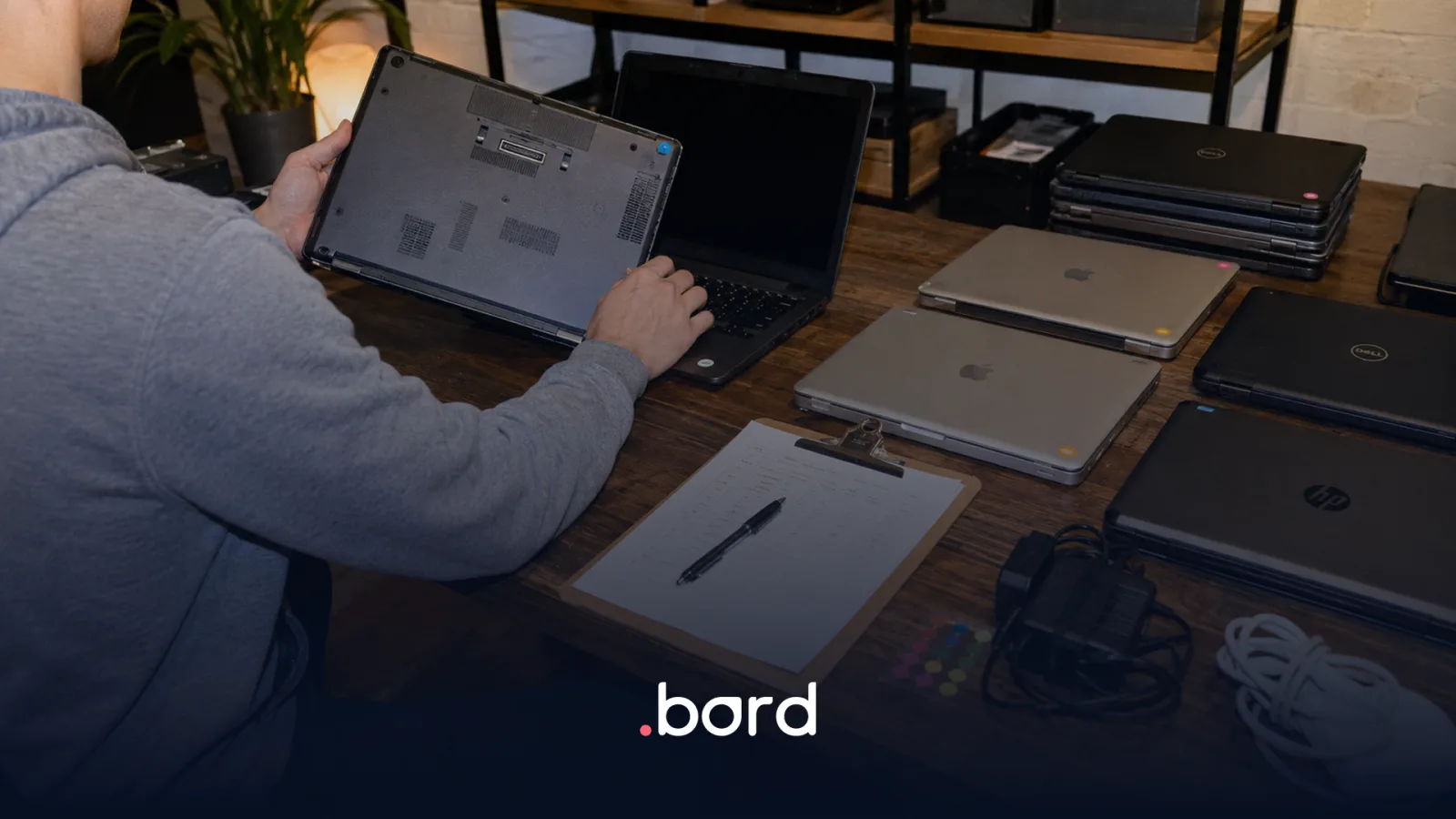
4) Record receipt and condition (operational evidence)
When the device comes back, its condition should be documented:
- Physical condition (marks, dents, screen, keyboard)
- Accessories received
- Relevant observations
- Classification for the next step (reusable, repair, end of life)
This is key for compliance, audits, and reuse decisions.
5) Define destination and execute the next step without friction
Once received, the asset should go straight into its lane:
- Back to stock (ready for reassignment)
- Moved to support
- Stored
- Processed for Buyback
Well-designed reverse logistics closes one stage of the lifecycle and enables the next.
Why does this matter more in LATAM?
In LATAM, offboarding stops being a simple task when you operate across multiple countries.
These vary:
- Cities and Distances
- Pickup times
- Logistics providers
- Operational Criteria
- Reception points/warehouses
That's why working with multiple providers or unclear processes multiplies friction. Regional reverse logistics works better when you operate with a consistent, standard flow, country by country.
What does the company gain when it gets this in order?
A well-executed recovery gives you:
- Fewer lost devices
- More speed to reuse assets
- More clarity for IT and HR
- More traceability For Audits and Compliance
- Less improvisation on each departure
And it also improves the whole cycle: you recover faster, decide better, and reuse more.
In summary
Reverse logistics isn't just picking up a laptop. It's closing one stage of the lifecycle well so you can open the next one with control.
If you want to recover equipment in any LATAM country without losing visibility along the way, Bord helps you centralize the recovery, storage, and redistribution process.
Frequently asked questions
What is reverse logistics in IT?
Reverse logistics in IT is the process of recovering, recording, and redistributing devices when an employee leaves the company or changes roles. A well-designed process avoids losses, improves traceability, and brings order to offboarding.
How to recover laptops in an offboarding?
To recover laptops in an offboarding, it helps to trigger the pickup with complete data, maintain tracking of the movement, record the condition on receipt, and define the device's destination (stock, repair, storage, buyback, or end of life) with a standard flow.
What controls are worth having when picking up a device?
You should have address and contact confirmation, a pickup window, an accessories list, tracking of the movement, and evidence of the device's condition on receipt. This reduces losses and improves compliance.
What happens with the device after recovering it?
After recovering it, the device is logged and classified by condition: it can go back to stock for reassignment, move to support/repair, be stored, enter buyback, or go to end of life. Defining the destination quickly reduces downtime.